A few months ago I stumbled across obra/smallest-agent, a repo that defines a fully functional coding agent (the core of Claude code, OpenClaw, etc.), but in as few bytes as possible. Stripped down it’s one single 493 byte file defining the agent loop; sending messages to Anthropic’s api, a command line tool, waiting for and executing those tool calls, and printing to the terminal. That’s it. 493 bytes is not a lot. To put it in perspective, this paragraph is also exactly 493 bytes.
As a software engineer, I've been working with coding agents for nearly two years. To see that the core logic could be implemented so simply was kind of awesome. Naturally I spun up Docker and built for Linux distribution, excited to see the smallest compiled binary I had ever seen. I was very disappointed. Smallest-agent uses Bun as the runtime, and therefore must pull in all of Bun's dependencies. Without those dependencies, that one file wouldn't know how to make an HTTPS request, parse JSON, spawn a process, or read an environment variable. It couldn't write to the terminal, handle async execution, or catch a Ctrl+C. The 493 bytes describe what the agent does, and absolutely nothing else. It's standing on the shoulders of the giant that is Bun's runtime. Compiled, the actual binary size was around 95 megabytes.
While defining the core agent loop in 493 bytes is cool and educational, I became interested in how small I could make the total binary. I was working primarily with Swift at this point, and had been poking around the Swift forums and looking for an excuse to install a dev toolchain. At this point in my career, I'd heard about embedded systems but never really thought too hard about what working with them implied. So I decided to see if I could pull this off in embedded Swift.
Plain Swift
To start off, I implemented the agent loop in plain Swift. This was relatively straightforward and clean to look at. I added a few features beyond smallest-agent that I thought were useful enough to be worth adding: streaming responses via SSE, parallel tool execution, subagents that could spawn their own conversation contexts, and real-time steering so you could redirect the agent between tool calls. Foundation gave me URLSession for networking, JSONEncoder/JSONDecoder with Codable for serialization, and Process for spawning shell commands. Swift's async/await handled concurrency. The code read like what you'd expect from any standard Swift project. But, because I pulled in Foundation, the compiled binary was around 76 megabytes.
The Embedded Swift Rabbit Hole
So, I installed the swift dev nightly toolchain and set the flag to build for embedded Swift. I thought wasn't using very many Swift language features, so I figured it may be a minor cleanup to get it to run. I was completely wrong. Almost everything I took for granted lives in Foundation. Without it, URLSession was gone. Even Codable was gone. The concurrency model I had been using since college was gone. There was no Process, no type erasure, and much of the String API was gone too. It seemed like all I got was structs, enums, generics, closures, and (most importantly) C interop.
Building a Foundation with C
Networking
No URLSession means wrapping libcurl via C interop. But Swift can't call variadic C functions, and curl_easy_setopt is variadic — it takes a CURLoption and then whatever type that option expects. So the first thing I wrote was shim.h: a set of static inline C wrappers that turn each variadic call into a strongly-typed one.
static inline CURLcode curl_easy_setopt_string(CURL *curl, CURLoption option, const char *param) {
    return curl_easy_setopt(curl, option, param);
}

static inline CURLcode curl_easy_setopt_writefunc(CURL *curl, curl_write_callback callback) {
    return curl_easy_setopt(curl, CURLOPT_WRITEFUNCTION, callback);
}
Then there's the streaming problem. An LLM API sends SSE, which is a stream of newline-delimited JSON chunks. libcurl delivers data in arbitrarily-sized buffers via a C callback. The callback needs to buffer bytes, split on newlines, and invoke a Swift closure for each complete line.
The solution I found is to use Unmanaged. You can't pass a Swift closure directly through a C function pointer, but what you can do is wrap a Swift object in Unmanaged, turn it into an opaque pointer, pass it along as CURLOPT_WRITEDATA, and pull it back out inside via the @convention(c) callback:
let ctx = StreamContext(onLine: onLine, abortFlag: abortFlag)
let ctxPtr = Unmanaged.passRetained(ctx).toOpaque()
defer { Unmanaged<StreamContext>.fromOpaque(ctxPtr).release() }

curl_easy_setopt_writefunc(curl, curlWriteCallback)
curl_easy_setopt_writedata(curl, ctxPtr)
Inside the callback, you recover the context, buffer bytes, and split on 0x0A. The abort flag is wired through too. If the user hits Ctrl+C, the callback returns 0, which tells curl to abort the transfer. Clean cancellation from a signal handler, through C, into a Swift object, back through C, into libcurl. I know if this is particularly beautiful, but it does work.
Shell
No Process means we must use posix_spawn -- pipe management, environment passing, stdout/stderr merging, all manually. The implementation I went with creates a pipe, sets up posix_spawn_file_actions to redirect the child's stdout and stderr to the write end, spawns /bin/sh -c <command>, reads from the read end until EOF, then waitpids for the exit code.
posix_spawn_file_actions_adddup2(&fileActions, writeEnd, STDOUT_FILENO)
posix_spawn_file_actions_adddup2(&fileActions, writeEnd, STDERR_FILENO)
posix_spawn_file_actions_addclose(&fileActions, readEnd)
posix_spawn_file_actions_addclose(&fileActions, writeEnd)
The exit code extraction was its own joy to work with. I ended up manually decoding the waitpid status with bitwise operations to distinguish normal exits from signal kills.
String operations
Embedded Swift's standard library doesn't include the Unicode normalization and grapheme-breaking tables. This means String.count, range(of:), hasPrefix(_:), and replacingOccurrences(of:) either don't exist or pull in massive tables that blow up the binary.
The solution is to put everything through the UTF-8 view. Byte-level comparisons, byte-level searching, byte-level truncation, etc. So I made utf8HasPrefix, utf8Equal, utf8DropFirst, utf8Truncate: A collection of functions that do what the standard library does, but by iterating raw bytes:
func utf8HasPrefix(_ s: String, _ prefix: String) -> Bool {
    var si = s.utf8.makeIterator()
    var pi = prefix.utf8.makeIterator()
    while let pb = pi.next() {
        guard let sb = si.next(), sb == pb else { return false }
    }
    return true
}
This is not Unicode correct in the general case, but for an agent that's parsing ASCII heavy SSE streams and JSON, it's probably fine, and it keeps the binary small.
Concurrency
Embedded Swift does not have the concurrency tools we're used to working with in Swift. There is no async/await, Task, DispatchQueue, etc. We need to add concurrency manually. When the LLM requests multiple tool calls, they need to run in parallel. When the user types while the agent is running, that input needs to be captured on a background thread and routed to the right queue.
The answer: raw pthreads, mutexes, and condition variables. The ThreadSafeQueue is a FIFO backed by a pthread mutex and condition variable, with push, popFirst, and waitAndPop(timeoutMs:). The InputReader kicks off a background thread that constantly listens to the terminal, routing your input to the steering queue when the agent is busy working, or straight to the direct input queue when it's idle.
Parallel tool execution works by spawning one pthread per tool call, each with its own ParallelToolContext passed through Unmanaged:
let ctxPtr = Unmanaged.passRetained(ctx).toOpaque()
if let handle = sc_thread_create(parallelToolCallback, ctxPtr) {
    threadHandles.append(handle)
}
Results land in a ParallelResultsBox; a mutex-protected array of optionals, one slot per thread. After all threads are joined, results are collected.
Signals and atomics
The mechanism that lets you cancel an LLM request by hitting Ctrl+C (the abort flag) is a volatile sig_atomic_t allocated over in C. We have to do it in C because you just can't hook up a SIGINT handler directly from Embedded Swift (since there are no bindings for signal() or sigaction()), and signal handlers can only safely write to a volatile sig_atomic_t. On the Swift side, we just wrap it up in an AbortFlag class that handles reading and writing via opaque pointer calls:
final class AbortFlag: @unchecked Sendable {
    private let flag: OpaquePointer

    func isSet() -> Bool {
        sc_atomic_flag_read(UnsafeMutableRawPointer(flag)) != 0
    }
}
argc/argv
There's no CommandLine.arguments in Embedded Swift. On macOS, you can use _NSGetArgc()/_NSGetArgv(). On Linux, you need a __attribute__((constructor)) function in C that captures argc and argv before main runs. The Swift side calls sc_get_argc() and sc_get_argv(index), which are C functions defined in Cstdio.h.
The JSON Problem
The Any type doesn't exist in Embedded Swift. I had always thought this sounded like a side note until I tried to work with JSON. This means we don't get existentials or type erasure.
JSON is inherently heterogeneous. An object's values can be strings, numbers, booleans, nulls, arrays, or nested objects, all in the same object container. In standard Swift, JSONSerialization gives you [String: Any] and you cast your way through it. With Codable, you define structs and the compiler generates the mapping automatically. I didn't know this but apparently both rely on Any and runtime reflection.
In Embedded Swift, neither exists.
First I tried using a pure Swift enum:
enum JSONValue {
    case string(String)
    case number(Double)
    case bool(Bool)
    case null
    case array([JSONValue])
    case object([(String, JSONValue)])
}
This would work on a technical level, but creating more complicated (especially nested) JSON objects becomes hard to read, and we still need a parser.
Things like generic approaches, protocol-based abstractions, and result builders all won't work because they need Any or runtime type metadata.
The solution I found is to wrap cJSON, a small single file C library for JSON parsing and generation. The Swift wrapper is a JSONValue class with RAII semantics:
final class JSONValue: @unchecked Sendable {
    let pointer: UnsafeMutablePointer<cJSON>
    private var owned: Bool
    private let root: JSONValue?
}
Every JSONValue is either owned (it will cJSON_Delete its tree on deinit) or borrowed (it holds a strong reference to its root, keeping the tree alive via ARC). When you attach a child to a parent (like adding a key-value pair to an object) the child calls relinquishOwnership() so it won't double-free when it goes out of scope.
subscript(key: String) -> JSONValue? {
    set {
        guard let newValue else { return }
        cJSON_AddItemToObject(self.pointer, key, newValue.pointer)
        newValue.relinquishOwnership()
    }
}
It's kinda funny to be writing manual memory management in Swift, a language famous for safely managing memory on its own. But it works, and most importantly it's fast and keeps the binary small. The entire JSON layer is ~170 lines of Swift wrapping an existing C library.
Building an API request looks like this:
let root = JSONValue.object()
root?["model"] = .string(model)
root?["stream"] = .bool(true)
root?["messages"] = .array(messages.map { $0.toJSON() })
This is definitely more verbose than try JSONEncoder().encode(request). But it's done with no reflection, no runtime metadata, and no hidden allocations. Just pointer manipulation (with a safety net).
The Agent Builds Itself
I've worked with C before, but never to this extent. Luckily, I had a coding agent handy that could help me. Once the initial implementation was working in Swift, I used the agent to help port itself to embedded Swift. Most of the code in this repository was written by the agent running inside its own binary. The final numbers are below: A 195 kilobyte binary that boots in 120 milliseconds. This agent, significantly more fully featured than obra/smallest-agent, is smaller than most JPEGs. If you want to try running it yourself, clone it from dawsonamf/EmbeddedSwiftAgent and follow the instructions in the README.
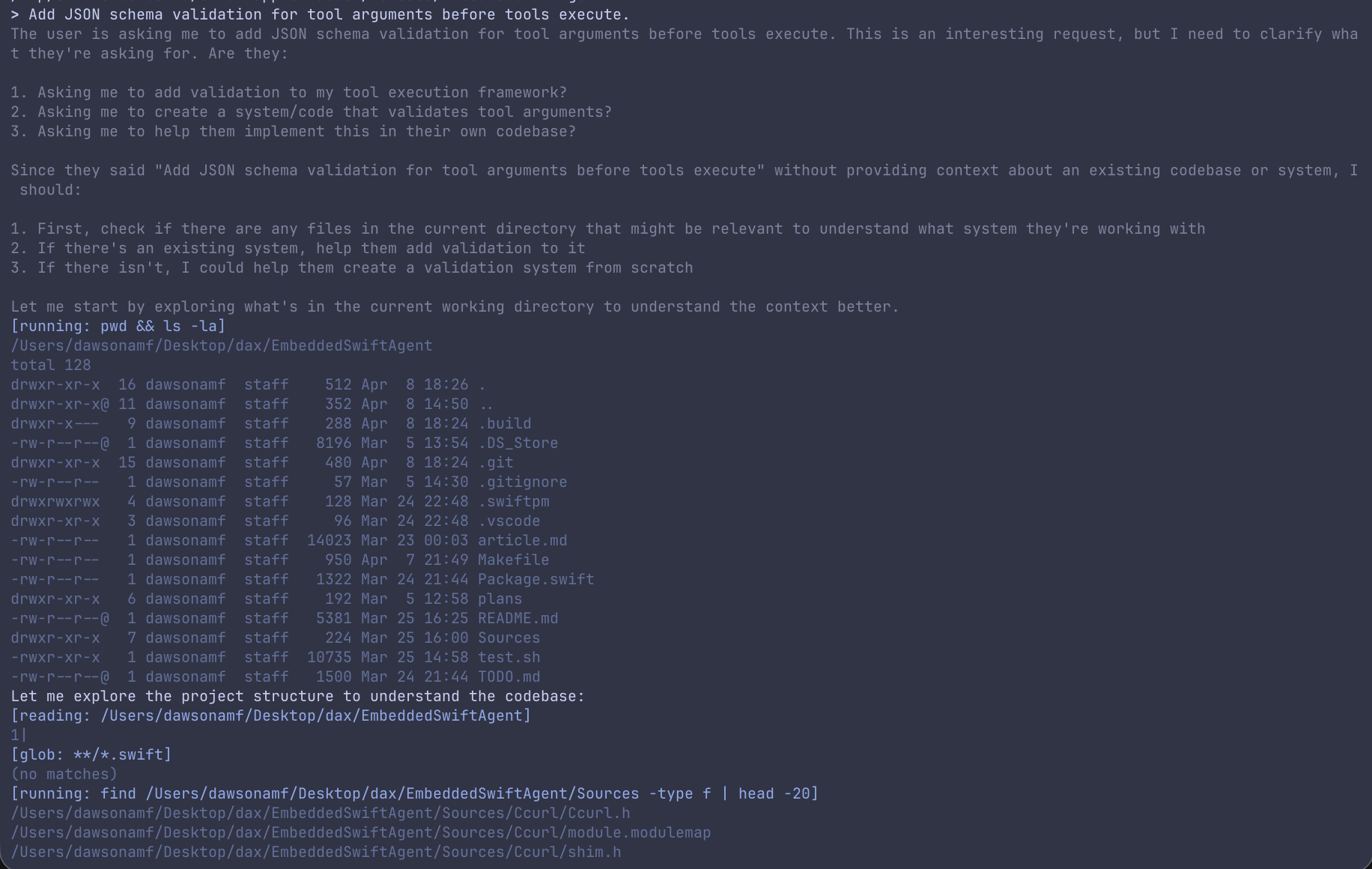
The final numbers:
| Metric | Value |
|---|---|
| macOS arm64 stripped binary | 200.8 KB (205,688 bytes) |
| Linux aarch64 stripped binary | 195.0 KB (199,704 bytes) |
| WebAssembly (WASI) binary | 207.8 KB (212,826 bytes) |
| Startup to interactive prompt | ~120 ms (mean of 30 runs, σ=1.9ms) |
| Tools (native) | 10 (sh, read_file, write_file, str_replace, glob, grep, web_search, web_fetch, subagent, mcp) |
| Tools (wasm) | 7 (read_file, write_file, str_replace, web_search, web_fetch, subagent, mcp) |
| Swift source files | 16 |
| C shim/support headers | 4 |
| External C libraries vendored | 2 (cJSON, libcurl via system) |
Try It in Your Browser
Update: I added WebAssembly as a compilation target, so now you can run it live in your browser. It's the same Swift code, the only changes are the os level interop: a fetch() bridge instead of libcurl and using JSPI to suspend the (synchronous) agent loop whenever the browser needs to await something. It runs on Chrome and Edge 137+. It has no sh, glob, or grep tools (WASI preview 1 has no process spawning) but it does have access to an in tab memory filesystem for the read and write tools. Tip: ask it about me, my projects, etc. Have fun chatting!